
How to Give Clients Project Visibility Without Weekly Status Emails
Replace manual status emails with a shared project room, clear milestones, automated alerts and a decision log that clients can see for themselves.
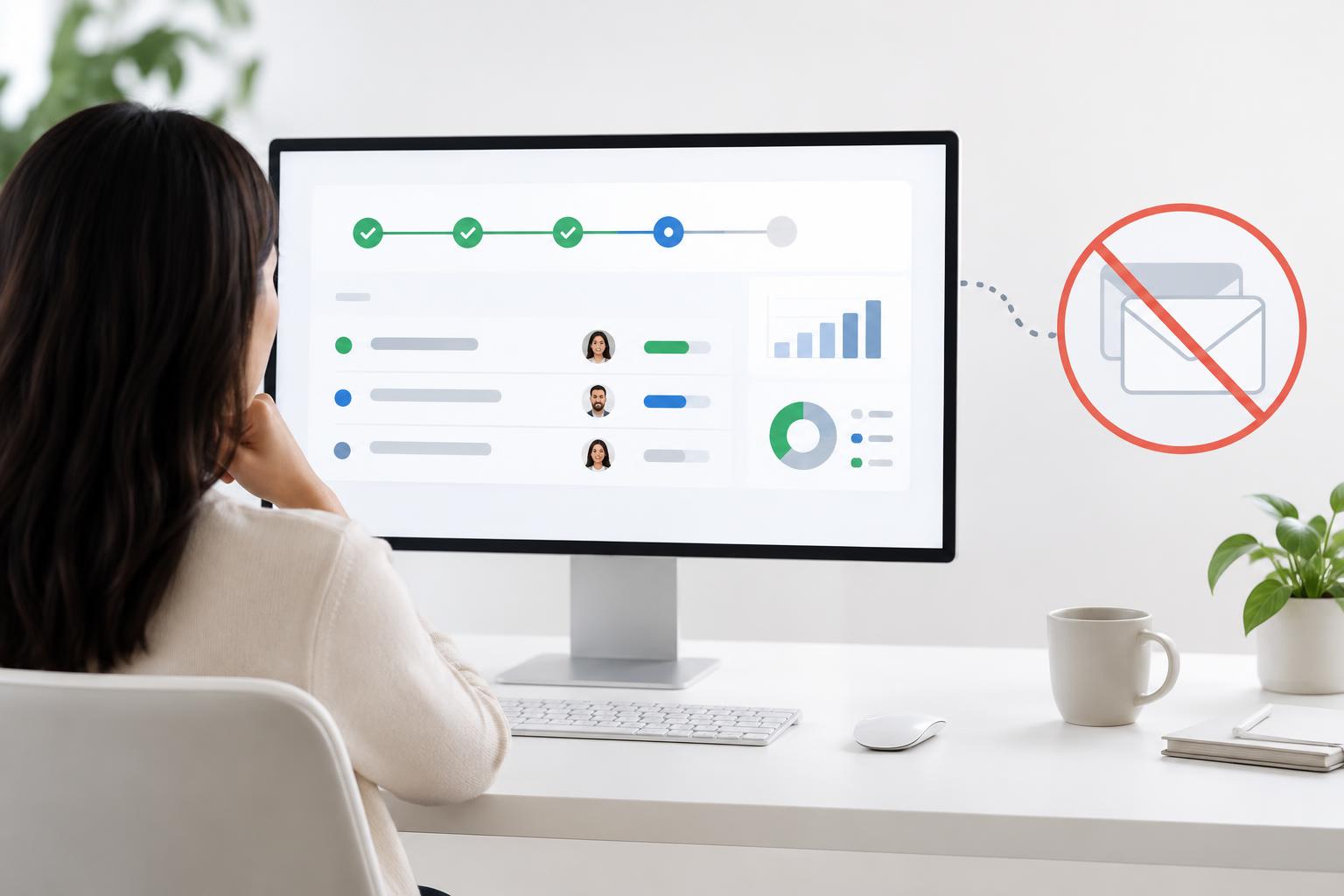
Status emails treat the symptom
Weekly status emails exist because clients cannot see the work. When they cannot see progress, they ask. When they ask, someone stops working to write an update. The email goes stale before it is sent. Next week, the cycle repeats.
The fix is not a better email template. It is a better operating system for client visibility. Put the state of the project where clients can see it, update it as work happens, and let automation handle the routine communication. Save the personal email for judgment, risk, and relationship.
Here is a practical model you can set up without adding a second job.
1. Create one shared project room per client
Every project needs one place that holds the plan, the current state, the files, and the decisions. Not a folder. Not a chat thread. A shared room the client can open without asking you for a link.
That room should contain:
- the project scope and what success means;
- milestones with owners and target dates;
- a client-friendly status board;
- a decision and approval log;
- documents, photos, and receipts;
- a short what happens next panel.
Keep internal tasks out of the client view. They create noise and invite questions about work that does not matter to the client. Show the work clients care about: stage, progress, decisions, risks, dates, and the next action.
A simple rule helps: if it is not in the room, it did not happen. That applies to your team too.
2. Publish milestones, not activity
Clients do not need to know every task moved from to do to doing. They need to know whether the project is on track and what comes next.
Define milestones by outcomes. Tenant onboarding complete is clearer than Uploaded 14 documents. Maintenance dispatch ready is clearer than Reviewed 6 requests. Build a plan with five to seven client-visible stages. Give each stage a definition of done, an owner, and a date.
Then show three things at the top of the client view:
- Current stage.
- Confidence in the next date.
- Open decisions or blockers.
That small view replaces most status questions. It also forces your team to confront delays early instead of writing around them.
3. Let the work update the status
Manual status reports fail because they depend on someone remembering to write them. The best client visibility is a by-product of normal work.
When a task moves, the client view should move with it. When a milestone is approved, the client should see it. When a due date is at risk, the system should raise it while there is time to act.
Automate notifications around events, not calendars:
- a milestone is complete;
- an approval is needed;
- a date has slipped;
- a document is ready;
- a risk has changed.
A weekly digest can still exist, but it should be generated from the room. It should not be a manual summary that competes with the work.
4. Keep decisions where clients can find them
Many status emails are really decision requests in disguise. The client asks where are we? because they are missing context. Put decisions in a log with six fields: date, question, options, decision, owner, impact.
This does three things. It shortens meetings. It creates a record. It stops the same question from returning three weeks later.
In property work, decisions often involve maintenance spend, tenant terms, payment arrangements, or compliance documents. A visible decision trail is not bureaucracy. It is how owners and managers stay aligned without a chain of forwarded emails.
5. Attach evidence to the work
Clients trust what they can see. Put documents next to the milestone they support, not in a separate archive that nobody browses.
Contracts, invoices, receipts, inspection photos, approval notes, and completion evidence should live in the project room. Version them. Name them clearly. Make the latest version easy to identify.
If you handle money, visibility and compliance overlap. Maktabi, Dal Dom's property management platform, covers tenant onboarding, rent cycles, digital payments via Tap, receipt generation, compliant e-invoicing, maintenance dispatch, and WhatsApp-native communication, with native iOS and Android apps. The operational lesson is broader than property: when the evidence is attached to the process, clients can verify progress themselves.
6. Set communication rules
A shared room does not remove the need for conversation. It changes what the conversation is for.
Agree on four rules:
- The room is the source of truth for status.
- Email and chat are for discussion, not status reporting.
- Decisions are recorded in the log within one working day.
- Bad news is published early, with a recovery plan.
Clients will still email. That is normal. The difference is that your answer can be a link, not a freshly written report.
7. Measure the right thing
Do not measure how many updates you send. Measure how often clients ask for status, how long approvals take, how many milestones land on time, and how often the client view is opened.
A drop in status requests is a good sign. A rise in early risk flags is an even better one.
A two-week rollout
Week one: map five to seven client-visible stages, write definitions of done, and clean the current project data. Set permissions so clients see only their project.
Week two: move one live project into the room. Automate milestone and approval notifications. Send clients a one-page guide and a short walkthrough. Keep the weekly email for one cycle, then replace it with a link to the room and a short note on what changed.
Do not wait for every project to be perfect. Start with one. A visible project is easier to improve than a hidden one.
The standard to aim for
Clients should be able to answer four questions without contacting you:
- Where are we now?
- What happens next?
- What do you need from me?
- What changed since I last looked?
If your project room answers those questions, the weekly status email has no job left.
Dal Dom builds focused SaaS products and native mobile apps. We build software that earns its place, and we build it to run in production. If you want client visibility designed into how your business works, let's talk.