
Phone-Controlled Presentation Apps for Meeting Rooms: A Practical Guide
A phone-controlled presentation app should cut setup, not add it. Here is how the flow works, what to check for security, files and follow-up, and where Dal Dom Decks fits.
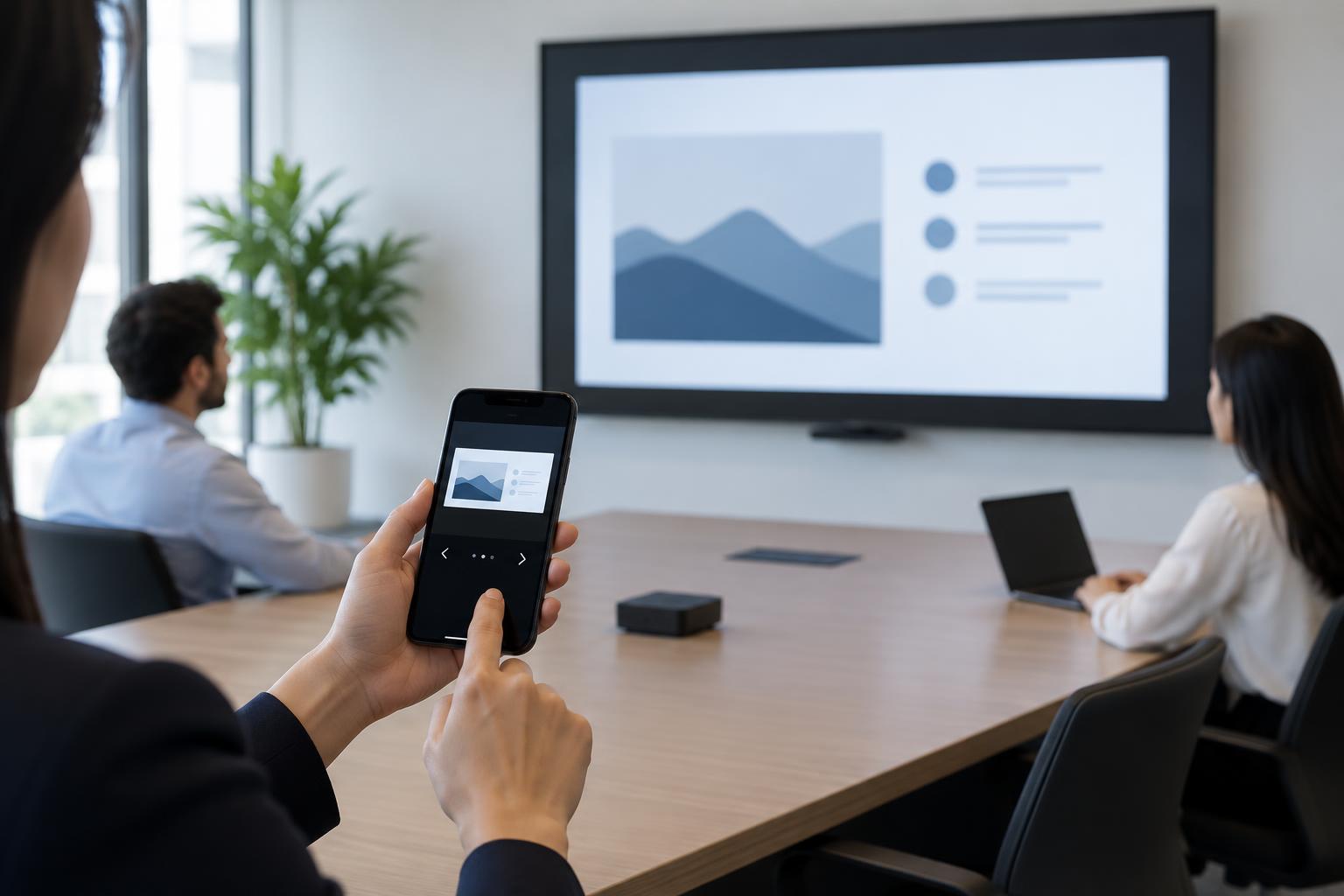
A meeting room should not need a rehearsal. Yet many presentations start with a cable hunt, a clicker with a dead battery and a laptop that refuses to wake the screen. A phone-controlled presentation app removes most of that setup. Open the deck on the room's screen, scan a code with your phone and present from the device already in your hand.
Dal Dom Decks is built around that flow. It is an iPhone and Android app. Upload a PDF or PowerPoint from your phone; Dal Dom converts each slide into an image and gives you a short link such as daldom.com/k7m. Open that link in a browser on the room's screen, whether that is a TV, the laptop on the projector or a meeting room display. The screen shows a QR code. Scan it with the presenting phone and the deck appears on the big screen. The phone becomes the remote. No cables, no clicker.
What the presenter should control
Next, back and jump to any slide from a grid are the baseline. Dal Dom Decks also keeps presenter-only details off the wall: PowerPoint speaker notes, the next slide and a timer on the phone, not the room screen. Draw on a slide with a finger and the ink appears on screen, or use a pointer, spotlight or magnifier. Video inside a PowerPoint file plays on screen and you start and stop it from the phone. Switch decks mid-meeting without walking to the screen. On a Samsung Galaxy with an S Pen, the pen button moves forward and holding it goes back; that feature is Samsung-only.
What the room needs
Less than most setups. The screen needs a web browser and an internet connection. The room does not install an app or sign in. People scan a code on screen and the slides open on their own phones, which helps the back row and anyone who cannot see the main display. The app and room pages come in ten languages, each phone picking its own. Dal Dom reads the words on each slide from the uploaded file so people following on a phone can read what is on screen.
Interaction that earns its place
Polls, questions, reactions and competitions improve a meeting when used with restraint. In Dal Dom Decks, the room votes in a poll and sees a count, never who chose what. People send questions from their phones; the presenter chooses which ones reach the screen. Reactions give a quick read on the room. Competitions show the fastest correct answers when the presenter reveals the top three. Quizzes can have two to six choices per question. The presenter decides what is switched on. If every slide becomes a game, the deck stops doing its job.
Follow-up starts before the meeting ends
The presentation usually ends with a follow-up, not a dark screen. Dal Dom Decks handles both in one flow. A QR code lets people leave their name and email; the presenter can also type in a business card. When the session ends, attendees who left their details are emailed the deck with any ink drawn on it. The presenter gets a summary by email and keeps the contact list in the app. When sharing a deck by email, each recipient gets a separate link. The presenter can see when it was opened, how many times, and roughly where from, as a city and country. A link can be stopped without touching the others. For that sharing feature, Dal Dom stores the city and country, not the IP address. The contact details belong to the presenter, not Dal Dom; they are not sold or used for Dal Dom's own marketing.
Security and file handling
Short links are convenient, so they need boundaries. Dal Dom's deck app terms say a three-character link on its own shows a QR code, not the slides. The presenting phone must be signed in to the account that owns the deck. Share links and recap links carry a key and open directly. A six-digit code shown with the QR gives someone the room view, but not control of the deck or access to the account. A key link can still be forwarded, so treat a deck as readable by anyone you send it to. A screen unlocked by the phone stays unlocked in that browser for 12 hours.
File handling deserves the same scrutiny. Dal Dom scans every upload for viruses, converts it to slide images and deletes the original file after conversion. Nobody can download the original, including the presenter, so keep your own copy. Decks last between 7 and 365 days, depending on the choice made at upload; the default is 30 days. Audience details outlive the deck, so delete them when they are no longer useful or when the account closes. In a team library, a deck belongs to the team and stays there if the uploader leaves. The team owner and admins see presentations given and contacts collected as two numbers, but not who those contacts are or the presenter's private decks.
Limits to plan around
Dal Dom Decks shows slides; it does not edit them. Make changes in PowerPoint and upload again. Replacing a deck keeps the same link. Animations and slide transitions do not survive conversion. Fonts the server does not have are swapped, so look at the deck on a screen before the meeting. Video inside a PowerPoint file is kept and plays from the screen; a PDF keeps none of that. Choose the format based on whether motion matters more than exact layout. The phone needs an internet connection. Files are capped at 95 MB, 150 slides per deck and 20 active decks per account. PDF, PowerPoint, Keynote and OpenDocument files are supported; a Google Slides link is not, so download it in a supported format first. Quizzes are capped at 30 per account and 50 questions per quiz.
A short rollout checklist
Test the room screen's browser and network before the day. Upload the deck early and inspect every slide for font shifts and lost transitions. Keep a copy of the original file. Decide who owns the deck, because only the uploader can present, rename, replace or delete it. Set the retention period deliberately. Agree who will handle the contact list afterwards. On the day, put the short link on screen, scan the code, and brief the room once: scan, no app, no sign-in. Use polls and questions only where they help a decision.
Where this fits
Property managers, landlords and agencies often present in rooms they do not control: a client office, a boardroom, a site trailer. Sales, procurement, logistics and software teams face the same setup tax. A phone-controlled app earns its place when it removes that tax without adding a new one. Dal Dom Decks is our answer for that meeting-room flow. It is listed for iPhone and Android, and Dal Dom asks interested teams to request access. If your meetings still start with a cable hunt, talk to us.