
How to Plan a Native Mobile App Rollout for Field Teams
A practical rollout plan for field teams: scope the real job, design for offline work, pilot with actual crews, and measure adoption that sticks.
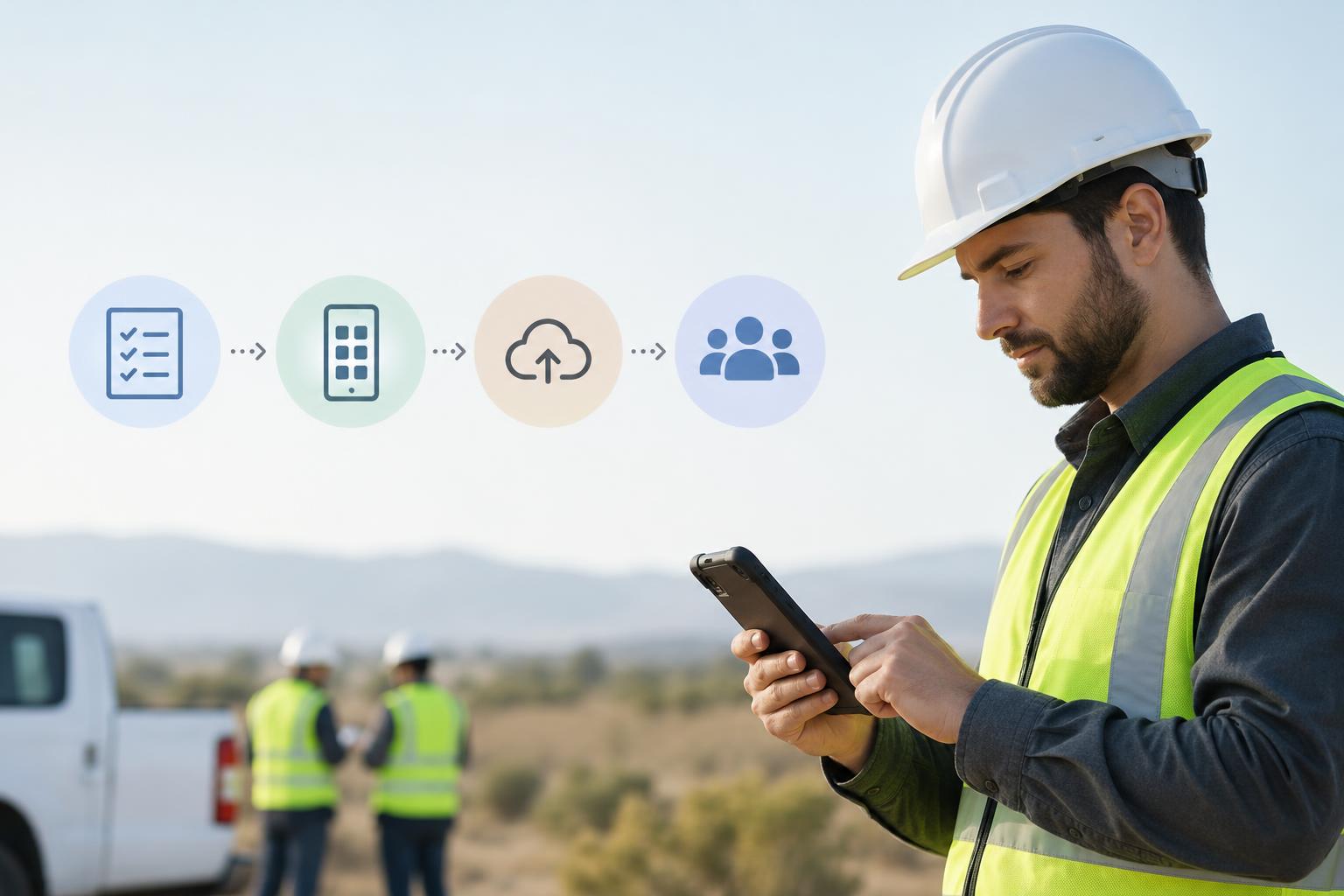
Start with the field job, not the app
Field rollouts fail when they are treated as software launches instead of operational changes. Crews keep using paper, WhatsApp, and memory. Supervisors cannot see what happened. The app becomes another reporting burden.
A native mobile app can fix that, but only if it is scoped around the work. Before you choose features, shadow the team. Watch inspections, dispatches, handoffs, and proof-of-service. Record the steps, decisions, exceptions, and data captured along the way.
Then pick one or two workflows for the first release. Good candidates are the ones with the most rework, the longest delays, or the weakest paper trail. Define what “done” looks like in the field. A clear rollout charter should name the business sponsor, the field owner, the success measures, and the constraints. Keep it to one page.
Segment the field team
“Field team” is rarely one audience. Technicians, inspectors, drivers, agents, and supervisors have different tasks, devices, connectivity, and risk. Build a simple role matrix: what each role does, what data it needs, what device it uses, where it loses signal, and how much training it needs.
Use that matrix to plan access and permissions. Do not give everyone every screen because it is easier to configure. Field software earns trust when it shows the right task, the right data, and the next action.
Identify a champion in each crew. Champions do not replace training, but they answer questions in the moment and tell you when a workflow breaks.
Make offline behavior a product requirement
Connectivity is the requirement most often discovered too late. List the places where field teams lose signal: basements, rural sites, warehouses, lifts, car parks, and busy sites with weak mobile data.
Define what must work offline. Capture should continue. Photos and notes should save locally. Sync should resume automatically. Conflicts need a clear rule, not a silent overwrite. The app should show sync status in plain language, with a retry path and a visible record of what is waiting.
Test in real dead zones. A sync failure in a basement is a data-loss event, even if the app looks fine in the office.
Design for the real device and the real hand
Field use is physical. Design for one hand, bright sunlight, gloves, noise, and interruption. Use large controls, short forms, saved drafts, and clear error messages. Cut optional fields. Every extra field adds friction and lowers completion quality.
Use native capabilities with purpose. The camera captures proof. Barcode scanning identifies assets. Location supports dispatch and verification. Push notifications shorten response time. These features should remove work, not add surveillance.
Do not shrink a desktop form into a mobile screen. Build the field workflow as a sequence of decisions, with the next action always obvious.
Decide devices, access, and support
Choose the device model before the pilot. Will the company provide phones and tablets, or will staff use personal devices? Each choice changes cost, support, privacy, and compliance.
Cover the basics: supported operating systems, mobile device management, data plans, charging, cases, and replacement devices. Define the support boundary. Staff need to know who to call when the app fails, when the device fails, and when the network fails.
Security belongs in the rollout plan, not in a later phase. Use single sign-on, role-based access, encryption in transit and at rest, session timeouts, audit logs, and remote wipe where appropriate. Be explicit about location tracking and what the app can see on a personal device. Collect only what the workflow requires.
Prepare the back office
The app is the front end. The rollout is the system change.
Check assignment rules, master data, notifications, APIs, and reporting before the pilot. Clean the data that crews will see. If dispatch records are wrong, the app will scale the error.
Supervisors need a view of progress, exceptions, and sync failures. Do not launch a field app without a back-office view of field activity. That view is how managers support the team instead of chasing them.
Pilot with real crews
Pick one region or crew that represents real conditions. Avoid a pilot made only of enthusiastic early adopters. That proves enthusiasm, not readiness.
Run the pilot through a full work cycle. Set gates in advance: task completion rate, sync failure rate, data quality, support volume, and user confidence. Hold daily huddles. Fix blockers quickly. Decide whether to expand, repeat the pilot, or stop.
Downloads are not adoption. A pilot succeeds when the work is completed in the app, with better evidence and less rework.
Train for the job, not the buttons
Training should explain what changes, what stays the same, and why the change matters. Use short sessions, job aids, in-app guidance, and supervisor scripts.
Practise the hard paths: no signal, a failed sync, a missing asset, a reassigned job, a photo that will not upload. The happy path is not enough.
Keep support visible during the first weeks. A named contact and a known escalation route reduce frustration more than a long manual.
Launch in waves, then hold the line
Roll out by role or region, not all at once. Keep a visible known-issues list. Triage daily. Fix blockers first. Resist custom requests until adoption is stable; otherwise the rollout turns into an open-ended build.
Supervisors should reinforce use in their normal routines. If managers still ask for paper reports, the field team will keep filling them in.
Measure what matters
Set a baseline before the pilot. Track active use by role, jobs completed in the app, sync failures, time to complete key tasks, data quality, support tickets, and rework. Review the numbers weekly.
Use the results to improve the rollout, not to decorate a slide. A simple operating dashboard is more useful than a large analytics programme.
A simple rollout checklist
- Write a one-page charter with owners and success measures.
- Shadow the field team and map one or two priority workflows.
- Build a role, device, and connectivity matrix.
- Specify offline capture, sync, conflict, and recovery behaviour.
- Test devices, security, and support boundaries.
- Prepare back-office data, rules, and supervisor views.
- Pilot with a representative crew and pre-agreed gates.
- Train for exceptions and the first week of support.
- Launch in waves with daily triage.
- Review adoption and operational metrics weekly.
Use native capabilities deliberately
Native mobile apps are worth the investment when field work depends on offline capture, camera evidence, location, push notifications, or device-level security. If the workflow does not need those capabilities, a simpler mobile web tool may be enough.
At Dal Dom, we build native mobile apps, and we run our own products in production. Maktabi, our property management platform, includes a native iOS and Android app for the property back office. That operating context shapes how we scope field software: start from the workflow, prove it in the field, then scale.
If you are planning a field rollout, bring the workflow, the constraints, and the pilot plan. We will tell you what to build, what to leave out, and how to ship it. Let’s talk.