
Native iOS and Android Apps for SaaS: Build the Workflow, Not a Shrunk Dashboard
A practical guide to native SaaS apps that earn their place: one field workflow, honest offline behavior, server-side tenancy, and a release plan that holds up.
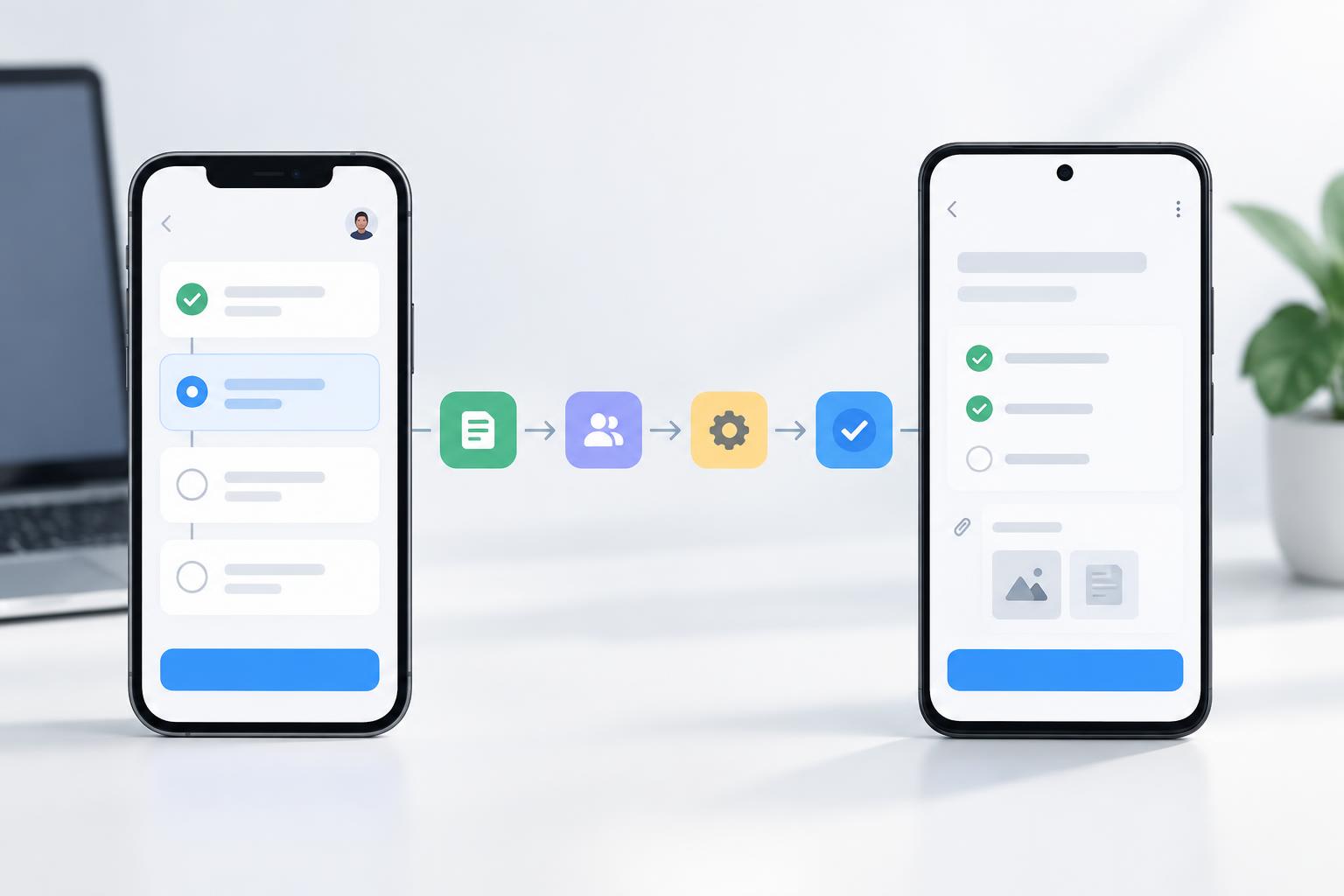
A SaaS product can look complete on a laptop and fail in the field. A property manager standing in a unit, a delivery lead at a loading bay, and a sales rep between meetings all need the task in front of them on a device that works. A mobile browser can cover simple views. It rarely gives a daily workflow the camera access, notifications, background upload, and resilience of a native app.
Native iOS and Android development is not about shrinking the dashboard. It is about choosing the jobs that must happen away from a desk and building those jobs properly. We ship native mobile apps. Here is a practical way to decide what to build and how to make it hold up.
Start with one job, not every screen
A strong first release does one or two workflows end to end. Look for work that is repeated, time-sensitive, and awkward on a laptop. Capturing evidence. Approving a request. Scanning a document. Checking payment status before a call. Completing an inspection while the details are fresh.
Avoid porting every report, setting, and admin table. The web app remains the control room. The mobile app is the instrument your user carries. Maktabi, our property-management product, covers rent collection, payment verification, and compliant e-invoicing on web and mobile. Its on-site moments belong in a focused app, not a smaller copy of the back office.
A useful filter: if the task can wait until the user is back at a desk, it probably does not belong in version one. If waiting costs money, trust, or a second trip, it does.
Design offline behavior before the API
Offline support is a product decision, not a cache setting. Decide what can be read offline, what can be written offline, and what must always be checked with the server. Then design the experience around those rules.
Writes need a queue, an idempotency key, and a clear status: pending, synced, failed, or needs attention. Conflict resolution must be explicit. If two people edit the same record, one policy has to win, or a human has to resolve it. Never show a green check before the server confirms the change. Store local data securely and remove it when the user signs out or loses access.
Test on a slow connection, in a basement, and while the phone switches between Wi-Fi and cellular. A native app that spins on a weak signal is no better than a web page.
Keep tenancy and permissions on the server
An app binary is not a trust boundary. Every request needs server-side authentication, tenant scoping, and role checks. Do not rely on a hidden button or a locally stored role. Record audit events for actions that matter, especially approvals, payment changes, and deletions.
Tokens belong in secure device storage. Keep them short-lived, support refresh, and give administrators a way to revoke access when a phone is lost. Biometric unlock is useful, but it should unlock a session, not replace authorization.
This is ordinary SaaS architecture applied to a new client. Our build work draws on multi-tenancy, audit trails, role-based access, queued jobs, and zero-downtime deployment patterns. Those controls matter more on mobile, where devices are lost, shared, and used on networks you do not control.
One API, two native experiences
Native does not mean two products. Share the domain model, business rules, and API contract. Let each platform handle navigation, permissions, and presentation in the way its users expect.
Mobile releases move more slowly than server deploys. Version the API, keep backward compatibility, set a minimum supported app version, and use feature flags for risky changes. A user who delays an update should get a clear upgrade message, not a broken screen.
Use native capabilities with a reason
Camera access for evidence and document capture. Push notifications for approvals and status changes. Background upload so a user can leave a basement before the file finishes. Biometrics for fast, secure return visits. Each one should remove a real step from the workflow.
Ask for permission when it is needed, explain the benefit in one line, and handle refusal gracefully. Notifications must be relevant to the user's role and tenant. An app that alerts on everything gets muted.
Billing and compliance views also deserve care. Show entitlement, invoice status, and account limits without turning the app into an unsecured payment terminal. Where ZATCA e-invoicing applies, users should reach the right document without hunting through a desktop interface. We bring compliance-grade billing with ZATCA e-invoicing to builds where it is needed.
Plan release operations from day one
Native apps have an operational tail: signing certificates, store listings, privacy disclosures, review notes, test tracks, staged rollouts, crash reporting, and support paths. Build these into the schedule. Do not promise a launch that depends on same-day store approval.
Keep a rollback plan. A server-side kill switch, a minimum-version gate, and clear release notes are basic controls. Beta testing with real users in poor signal will find more useful problems than another round of internal polish.
Measure the job, not downloads
Track crash-free sessions, time to complete the core task, sync failure rate, sign-in success, push opt-in, repeat use, and support contacts. Downloads are a vanity metric if the field task still ends in a phone call. Set a rollback threshold before release, then fix the highest-friction step first.
A build sequence that holds up
- Choose one workflow with a clear cost of failure.
- Map roles, tenant boundaries, and the data the job needs.
- Agree the API contract, including offline behavior and idempotency.
- Build iOS and Android against that contract.
- Dogfood with real users, weak signal, and real devices.
- Release in stages with monitoring and a rollback path.
- Expand only after the first job works reliably.
Native apps earn their place when they make a repeated job faster, safer, or possible at all. If your SaaS has that job, build it deliberately. Dal Dom builds commissioned software and advises on architecture; commissioned builds and consulting are open to everyone. Tell us what your users need to do away from a desk. Let's talk.