
How to Coordinate Home Kitchen Orders With Driver Delivery
A practical sequence for home kitchens: one order record, clear states, prep-based dispatch, a visible handover, and exceptions handled before they reach the customer.
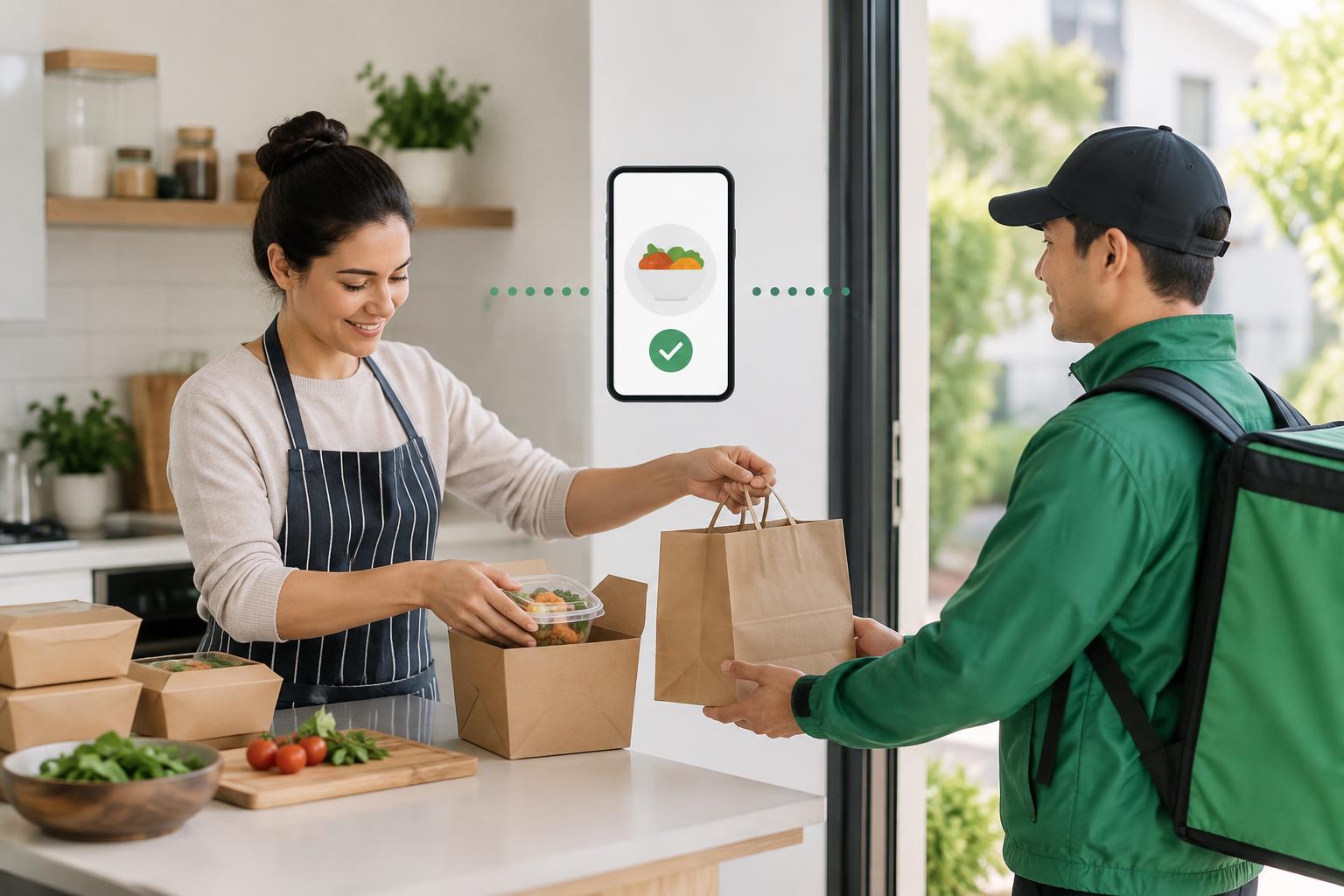
Home kitchen delivery breaks at the handoff. The food is ready. The driver is late. The customer asks for an update. No one is sure who owns the next step. More messages will not fix that. A clear sequence will.
Use one order record
Every order needs one record that the kitchen and delivery side both trust. It should hold the customer, address, items, modifiers, promised window, payment status, preparation status, driver status, and handover status. One order ID should follow the order from confirmation to close.
Avoid split records: a kitchen ticket, a notebook, a driver chat, and a payment screenshot that never reconcile. When two systems disagree, staff trust the one closest to them. Coordination then depends on memory.
A single record does not need expensive software to start. It needs a rule: if the order changes, the record changes first. The kitchen does not cook from a chat message that the order record has not accepted.
Define order states before service starts
Keep the state list short. Make each state trigger a real action.
- Received: order is captured, not yet accepted.
- Confirmed: payment and availability are checked.
- In preparation: kitchen owns the order.
- Packed and checked: items, modifiers, and packaging are verified.
- Ready for pickup: order can leave the kitchen.
- Driver assigned: a driver is linked to the order.
- Picked up: handover is complete.
- Delivered: customer receipt is confirmed.
- Exception: something needs a decision.
Name who can move an order from one state to the next. The kitchen should not mark “ready” because the timer expired. A driver should not mark “picked up” before the bag is in hand. These small disciplines prevent most disputes.
Set prep windows from real capacity
Work backward from the delivery promise: preparation, packing, driver arrival, and travel. Use your own measured times, not a best-case guess. A home kitchen has less buffer than a restaurant. Oven space, burners, counter space, and the person answering the phone all limit output.
Set order cutoffs per service, not one vague daily cutoff. If the kitchen is full, stop taking orders or offer a later window. A clear “not available” is better than a late delivery.
Capacity is not just order count. Ten simple boxes may be easier than four dishes that need the same burner at the same time. Plan the menu around the delivery window, not only around demand.
Gate dispatch on a packed order
Assign drivers early if that helps, but gate departure on a packed, checked order. A driver waiting on food is a cost and a distraction. Food waiting on a driver is a quality risk.
Use a packing check before handover:
- Order ID and customer name match.
- Item count and modifiers match.
- Sides, drinks, and extras are included.
- Packaging is sealed and labeled.
- Address and contact details are correct.
- Special instructions are attached.
If something is missing, fix it before the driver leaves. A remake costs more than a final check.
Match driver supply to delivery zones
Group orders by direction and promised window, not by whichever order came in first. Avoid batching orders with very different prep times or widely separated addresses. A driver with three orders of different readiness will either wait or rush.
Give drivers a pickup window, not an open-ended “come when ready.” Keep a backup plan for peak periods: a second driver, a narrower delivery zone, or a smaller menu. Do not promise a delivery time that assumes an empty road.
Run a visible handover
One person should own the handover point at the kitchen door. The driver confirms the order ID, customer name, item count, and address. The kitchen confirms the seal and any special instructions. Record the time.
This is the moment responsibility transfers. Make it visible. A short checklist at the counter is enough. The person handing over should have authority to stop the handover if the order is incomplete.
Tell the customer what matters
Send fewer, more accurate updates. Confirm the order and promised window. Tell the customer when the order is dispatched. Tell them immediately when a delay is known, and give a new window rather than an apology with no information.
Give customers one channel for changes. If they can edit an order through three channels, the kitchen will eventually cook the wrong version. If a change is accepted, update the order record before anyone acts on it.
Design the exception path
Exceptions are normal in delivery. The process is weak when every exception becomes a debate.
Define what happens when an item is unavailable, payment fails, a driver does not arrive, the customer cannot be reached, or an order is damaged. Name a decision owner for each case. Decide the remedy in advance: substitute, refund, remake, or cancel.
Log every exception with the order ID and the reason. Patterns show where the process is failing. Repeated missing sides point to packing. Repeated late pickups point to dispatch. Repeated address problems point to order confirmation.
Measure the handoff, not just the delivery
Track order-to-ready time, ready-to-pickup time, pickup-to-delivery time, on-time rate, and exceptions per 100 orders. Add remake and refund reasons. These numbers separate kitchen delays from dispatch delays.
Review the numbers daily for a week, then weekly. Do not use averages alone. One very late order can disappear inside a good average, while the customer remembers it clearly.
Build a short daily routine
At open, check menu availability, prep capacity, and driver coverage. Mid-service, watch the ready queue and any order approaching its promised window. At close, reconcile orders, payments, handovers, and exceptions.
The routine matters more than the tool. Software can hold the states and timestamps. The kitchen still has to pack the order, and the driver still has to take it.
Where Thaybah fits
Dal Dom’s Thaybah is designed for this operating area: a home kitchen with customer ordering, preparation management, and driver delivery workflows. It presents dishes and kitchen products, manages orders and preparation, and coordinates delivery and handover. The operating rules above still decide whether the handoff works.
If you want a tighter order-to-handover process, talk to us about Thaybah.